
Download MuseScore Studio – Music Notation, Score Creation, Sheet Music, Digital Composer
Overview
MuseScore Studio is a powerful mobile application designed for composers, musicians, and music students who require a professional-grade tool for creating and editing sheet music. As the world’s most widely used notation software, it enables users to produce high-quality scores and part scores for any ensemble, from solo instruments to full orchestras. The app serves as a digital composer’s workspace, offering tools that support both creative expression and technical precision. Its primary purpose is to bridge the gap between musical ideas and polished, publishable sheet music.
Target users include amateur composers, music educators, students, and professional arrangers seeking a reliable platform for score creation. The app solves common challenges such as inefficient notation entry, inconsistent layout, and limited playback fidelity. By integrating realistic audio playback with customizable engraving, MuseScore Studio enhances the workflow from composition to presentation. It also fosters collaboration through seamless sharing on MuseScore.com, one of the largest online repositories for sheet music.
Developed by MuseScore, a non-profit organization dedicated to open-source music software, the app reflects a commitment to accessibility and community-driven innovation. The application plays a significant role in the digital music ecosystem by empowering users worldwide to create, share, and learn from one another. Its presence on both Android and iOS platforms ensures broad reach across mobile devices.
Key Features & Functionality
- Professional Quality Engraving: MuseScore Studio delivers visually refined scores with advanced layout algorithms and customizable formatting options. Users can adjust spacing, margins, and font styles to meet publishing standards, ensuring that scores look as professional as those produced by traditional engraving methods.
- Realistic Playback: The app supports high-fidelity audio playback using high-quality sound fonts. This allows composers to hear their works as they would sound in a live performance, enabling accurate assessment of dynamics, articulations, and instrument balance.
- Easy Sharing via MuseScore.com: Created scores can be uploaded directly to MuseScore.com, where they become part of a global library. This feature supports community interaction, feedback, and inspiration, making it ideal for collaborative projects and public exposure.
- Comprehensive Instrument Support: The app includes a vast library of instruments across all categories—strings, brass, woodwinds, percussion, and more. This flexibility allows users to compose for diverse ensembles and genres, from chamber music to symphonic works.
- User-Friendly Interface: Designed with intuitive navigation, the interface enables efficient score entry and editing. Tools are logically organized, minimizing the learning curve for beginners while remaining powerful enough for advanced users.
For example, a music student can use the app to transcribe a folk melody, apply proper notation, and hear it performed with realistic instrument sounds. A composer might use it to draft a full orchestral score, share it with collaborators, and refine it based on feedback from the community.
Interface, UX & Performance
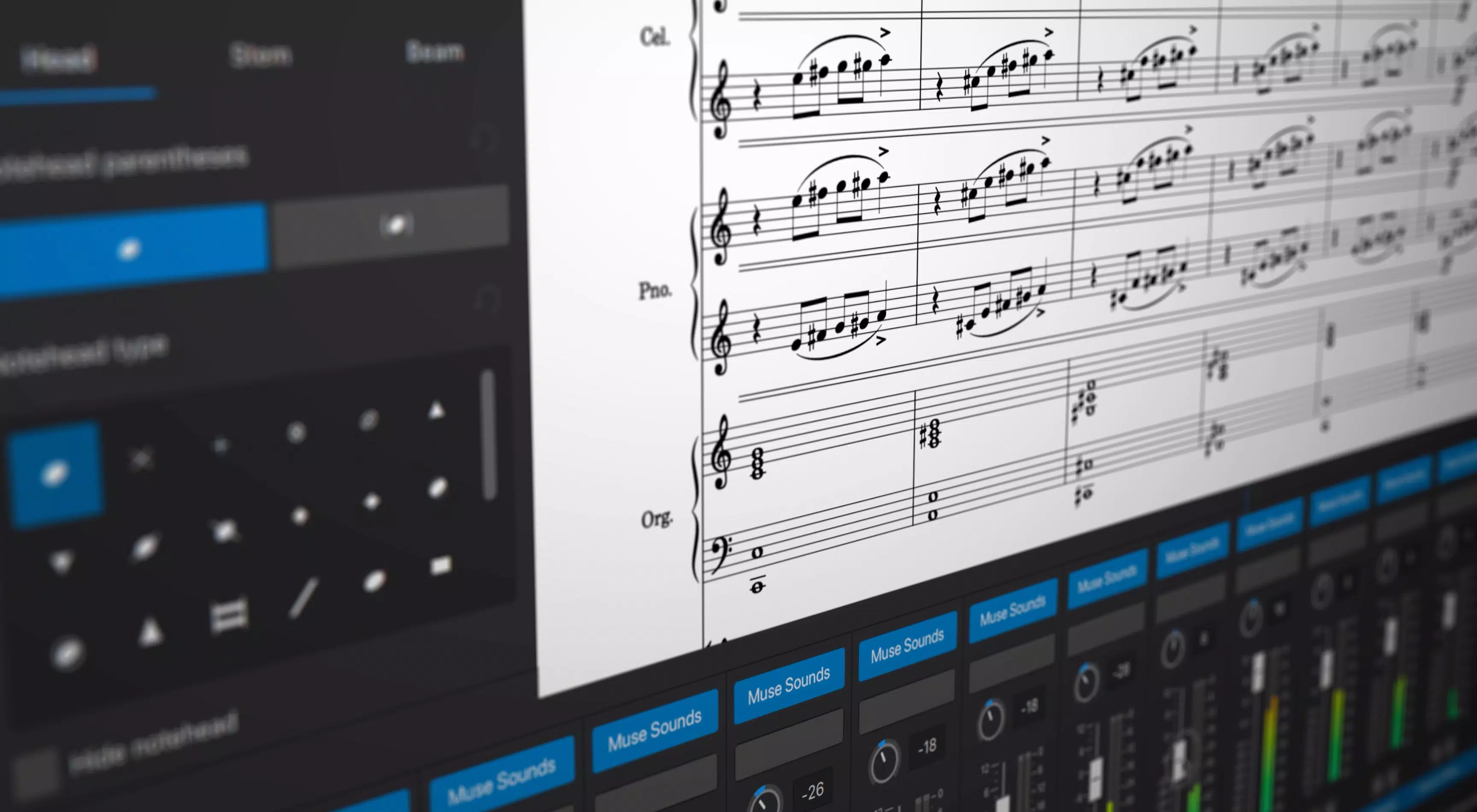
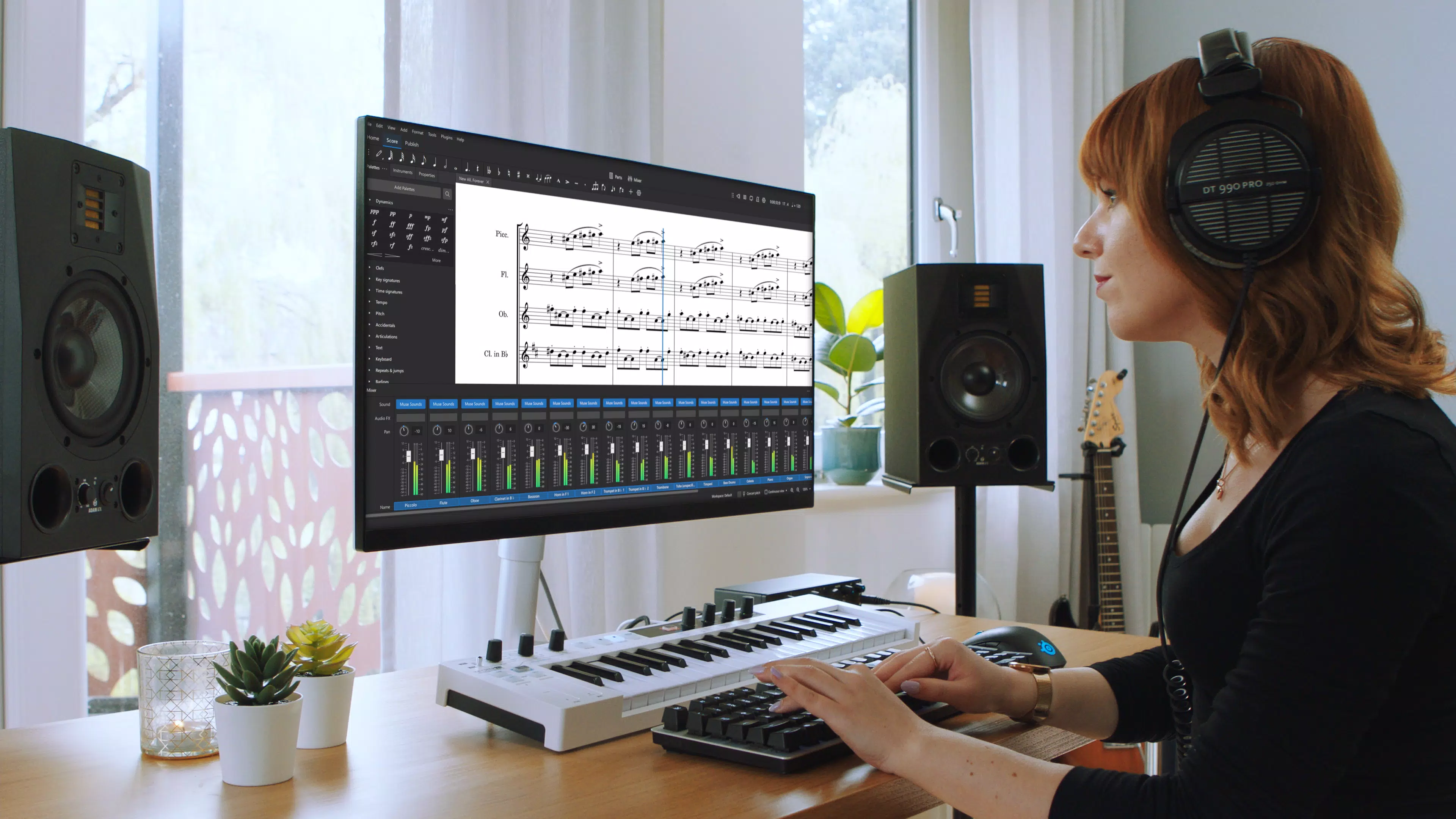
The interface of MuseScore Studio is clean, organized, and optimized for touch-based interaction. The layout features a central score editor flanked by toolbars and panels for instrument selection, playback controls, and notation elements. Navigation is straightforward, with contextual menus and gesture-based shortcuts that enhance efficiency.
Visual design emphasizes clarity and functionality, using a minimalistic approach that reduces visual clutter. The use of color-coded elements and intuitive icons supports quick recognition of tools and functions. Users can customize the workspace to suit their preferred workflow, improving usability over time.
Although the developer did not list formal performance metrics, the app maintains smooth responsiveness across various device categories. It handles complex scores with multiple staves and layered dynamics without noticeable lag. Stability appears consistent, with minimal reported crashes during extended use. The app adapts well to different screen sizes, ensuring readability and accessibility on both smartphones and tablets.
Platform Compatibility & Technical Requirements
MuseScore Studio is available on both Android and iOS platforms, offering broad accessibility for mobile users. The current version is 3.7.2, with a file size of 110 MB, making it lightweight for installation on most modern devices. The app is free to download and use, removing financial barriers to entry.
Specific requirements for OS version, RAM, or processor were not listed by the developer. The developer did not specify minimum OS requirements, nor did they detail hardware compatibility beyond general mobile device support. Compatibility information was not fully disclosed, so users are advised to ensure their device meets standard mobile performance benchmarks.
Pros and Cons
- Professional-grade music notation with high-quality engraving
- Realistic audio playback using advanced sound fonts
- Seamless integration with MuseScore.com for sharing and collaboration
- Extensive support for a wide range of musical instruments
- Intuitive, user-friendly interface suitable for beginners and experts
- Free to download and use on both Android and iOS
- Performance may vary depending on device capabilities (no official benchmarks provided)
- Limited information on minimum system requirements
- Advanced features may require a learning curve for absolute beginners
- Offline functionality is not explicitly detailed
- Sharing features depend on internet connectivity
FAQ
Is MuseScore Studio safe to download and use?
Yes, MuseScore Studio is a legitimate application developed by MuseScore, a well-established non-profit organization. It is available through official app stores and does not contain malware or intrusive ads.
Can I use MuseScore Studio offline?
The app supports offline score creation and editing. However, certain features such as uploading to MuseScore.com or accessing online libraries require an active internet connection.
Is MuseScore Studio available for both Android and iOS?
Yes, MuseScore Studio is available on both Android and iOS platforms, ensuring cross-platform access for users across different devices.
Does MuseScore Studio require a subscription to use?
No, MuseScore Studio is completely free to download and use. There are no hidden fees or subscription models.
How do I share my scores with others?
Users can upload their scores directly to MuseScore.com from within the app. This allows for public sharing, collaboration, and community feedback.
Final Thoughts
MuseScore Studio stands out as a robust, accessible, and feature-rich solution for anyone involved in music composition. Its professional engraving, realistic playback, and strong community integration make it an essential tool for both aspiring and experienced composers. The app empowers users to transform musical ideas into polished, shareable scores with ease.
It is especially valuable for music students, educators, and independent artists who need a reliable, free alternative to expensive notation software. The combination of powerful functionality and zero cost delivers exceptional value in the digital music landscape.
With its intuitive interface and cross-platform availability, MuseScore Studio proves that high-quality music creation tools are no longer limited to professionals with large budgets. Download MuseScore Studio now.


